Point a camera at it. Know what it is, what it is worth, and where it should go.
Identify is the first module and the one every account starts with. A photograph becomes a record with identity, condition, a value grounded in sold comps, and a decision. The data goes wherever you need it.
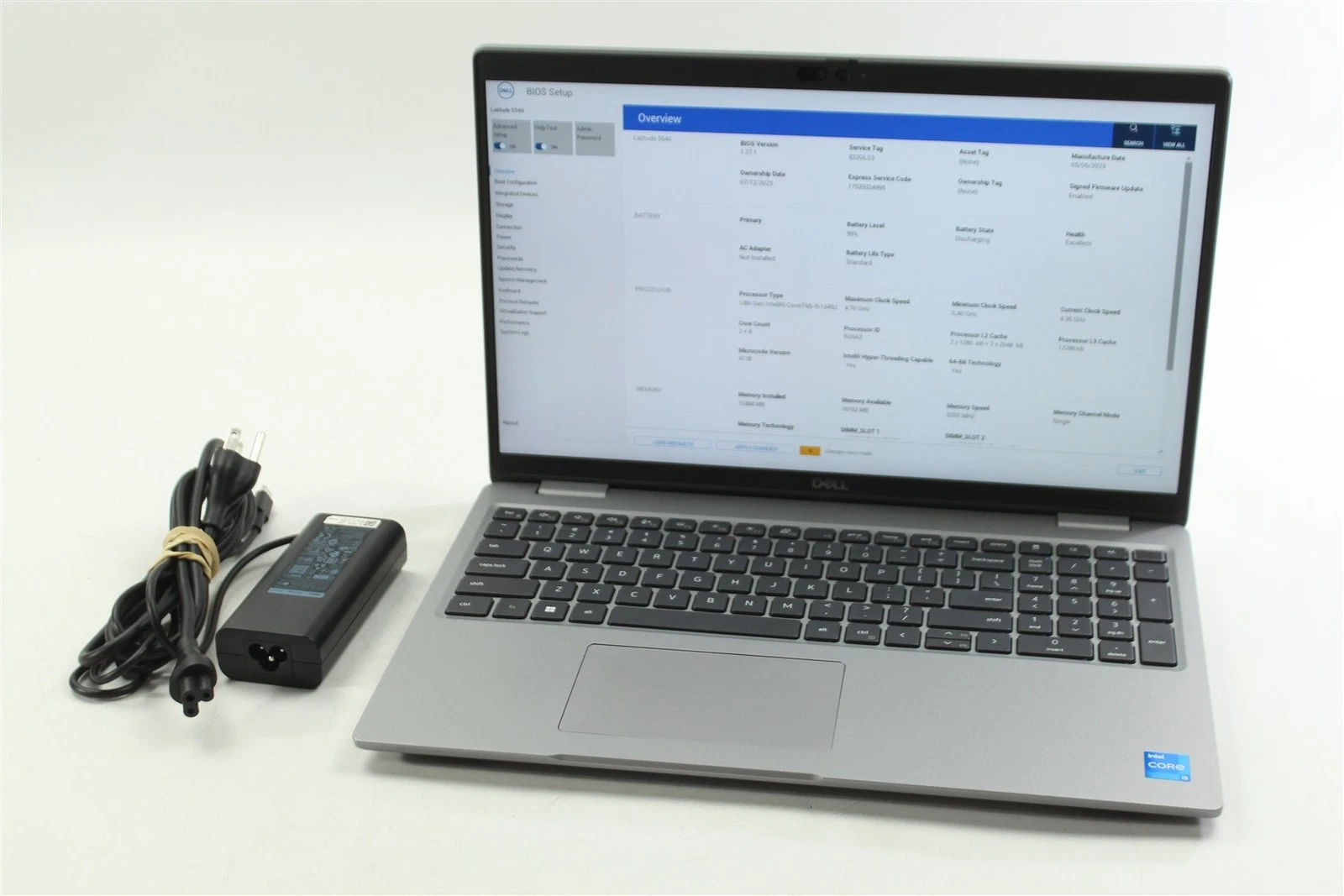
At the dock, with or without a record
What it is and what it is worth
Where it goes, by your rules
Sold where it recovers the most
Picked and shipped from your system or ours
Identify covers the first two stops. Route and Resell picks up from there.
One photograph, every answer.
What it is
Make, model, variant and a clean title and description, written from the photograph. No barcode required, no manual entry.
What condition it is in
Condition recorded at capture from what the camera sees, against the grades you use.
What it is worth
A value drawn from sold listings on major marketplaces, weighed against condition, with its basis visible on the record.
Where it should go
Sell on its own, wholesale lot, restock, return to vendor, donate or dispose, by the rules you set per client or brand.
Whose it is
Matched to the client and the order from one export of your WMS, so a blind return stops being blind.
Nobody types.
Photograph the item
The person receiving the item takes a photograph with a phone or the device already on the station.
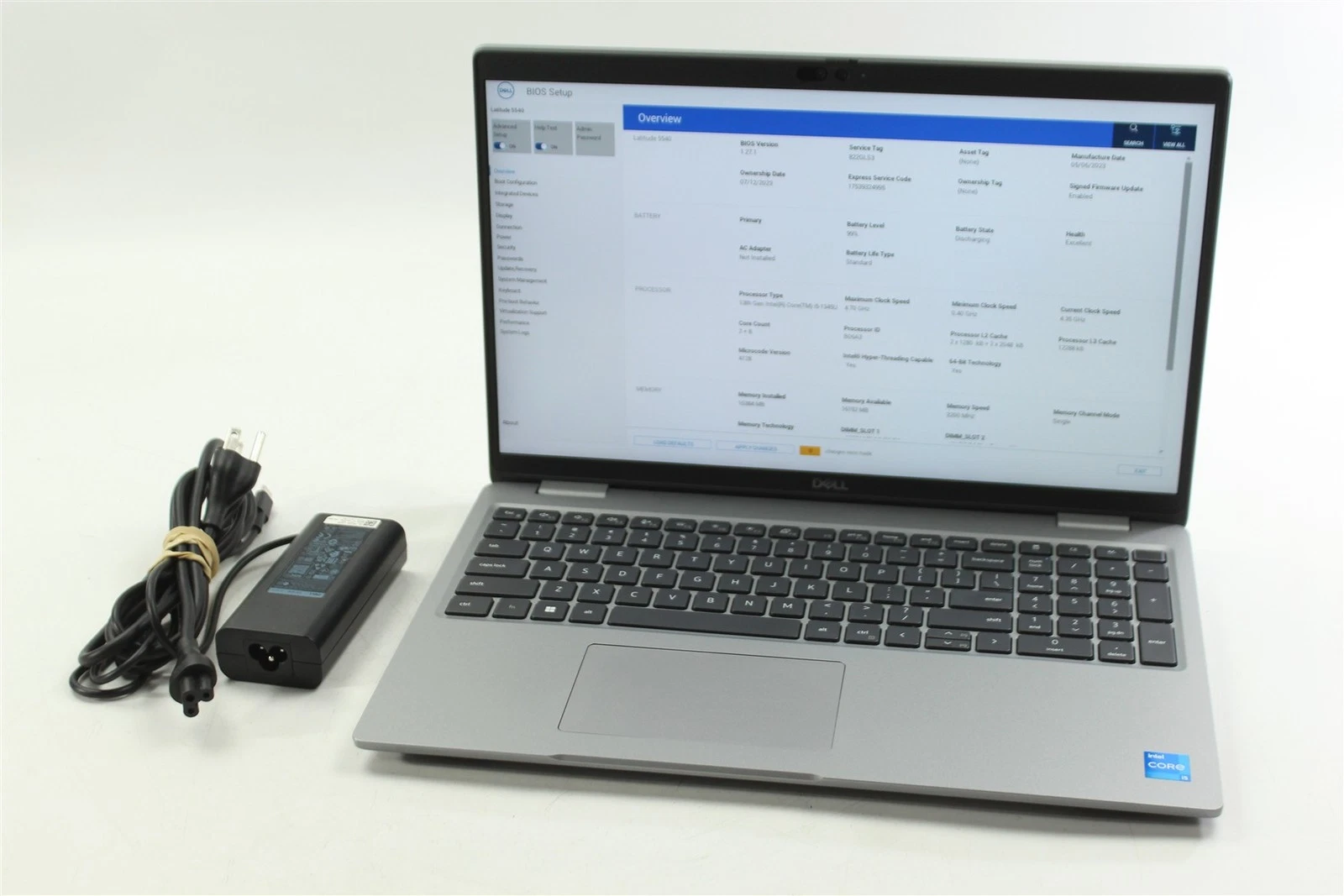
Upstream identifies it
Identity, condition and value come back in seconds. A label prints on the printer you already have.
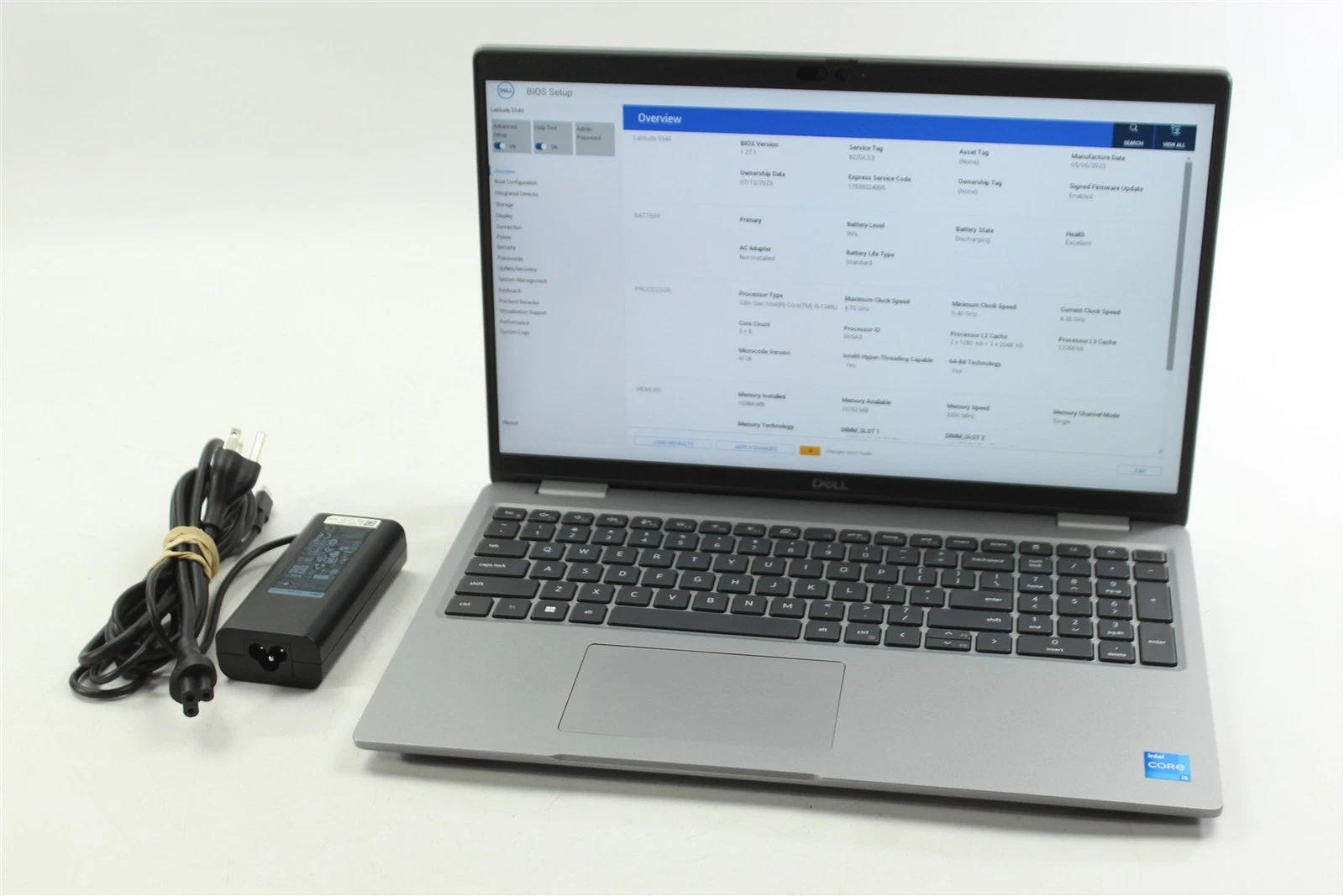
The decision is made
Your rules choose the disposition and the channel. The record is written to your system.
Less than you think.
Anywhere an item shows up without a record.
The receiving desk
Blind returns identified and matched to a client at the door.
The returns line
Every return graded on evidence before it has a shelf.
The processing line
Items categorized and valued so only the right ones move to e-commerce.
Start with the pile you already have.
Identify goes live on your backlog the day after the walkthrough. Bring us a Gaylord and we will show you.